METER MATH, EXPLAINED
Electric meter multiplier: how does it change your kWh?
BillMellow Editorial · Updated November 8, 2026
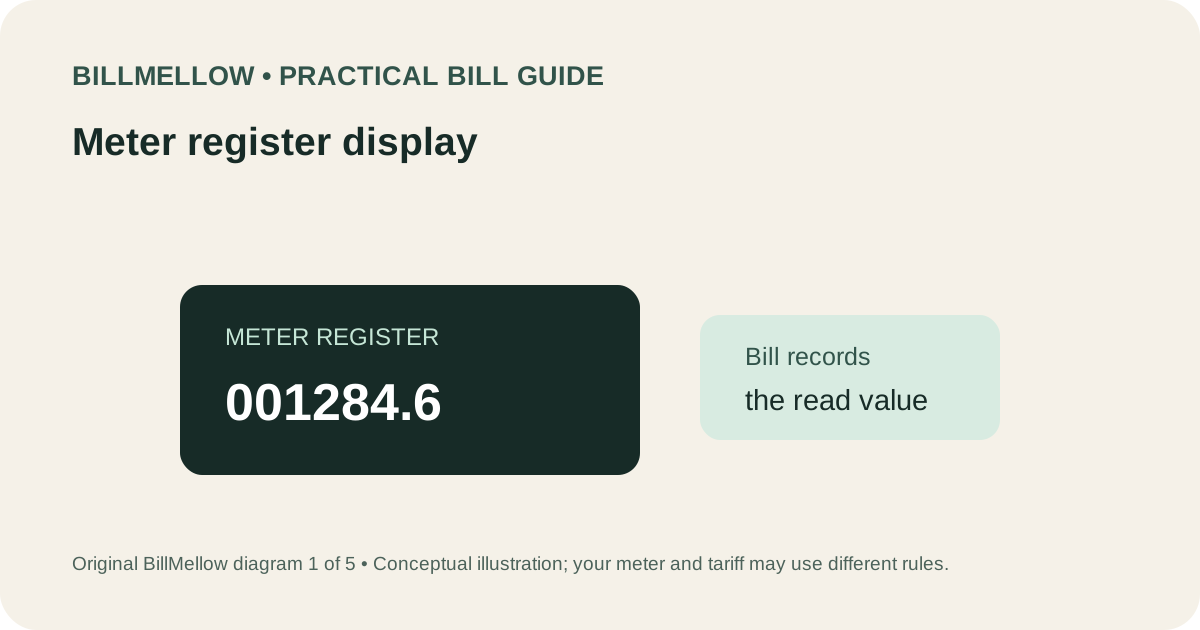
A meter multiplier is a factor that a utility may use to convert a meter register change into the quantity billed. Some meter setups record only a portion of the electricity delivered through the service, so a multiplier can scale the displayed difference to the billing quantity. The factor depends on the meter and service configuration; it is not a universal value and should not be guessed from the bill total.
The U.S. Department of Energy's electricity bill guide notes that some meters register only a portion of kWh and that an applicable multiplier may appear on a statement. Many residential meters show usage directly and have no multiplier. A multiplier greater than one is not, by itself, proof of an error. The useful check is whether the correct factor was applied to the correct register readings for the account and dates.
Register reading is not always billed kWh
A meter register is a counter, while billed consumption is the usage assigned to a service over a billing interval. In a simple direct-reading meter, subtracting a previous cumulative reading from a current reading may equal the kWh used. For some installations, a multiplier converts the register difference into the billed amount. A bill may list the start reading, end reading, difference, meter factor, and resulting kWh, but terminology and layout differ.
A meter multiplier can be associated with instrument transformers or a particular metering arrangement, especially at larger services. This is a general explanation, not a diagnosis of the hardware at your property. You do not need to inspect a transformer or open equipment to review a bill. The utility owns the relevant metering records and can explain the configured factor.
Do not confuse a multiplier with a rate, tax, or price per kWh. A factor changes the usage quantity used in billing; a rate changes the price applied to a quantity. If the bill's total rose, check both usage calculation and line-item prices. Fixed charges, riders, taxes, billing days, credits, and prior balances can alter the amount due independently of the register math.
A simple meter multiplier example
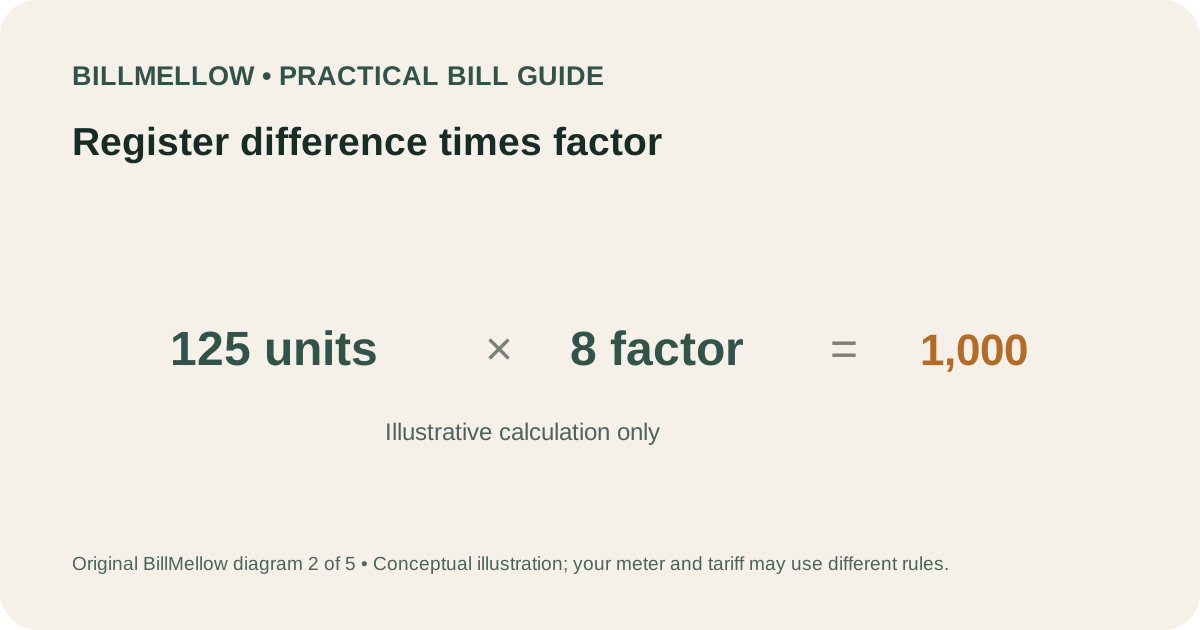
Suppose, solely as an illustration, a bill shows a register increase of 125 units and a multiplier of 8. The resulting billed quantity would be 125 × 8 = 1,000 units, if the bill uses those exact units and no other correction. If the account's register is configured in kWh, the statement might describe that result as 1,000 kWh. This example does not imply that 8 is typical or appropriate for any real customer.
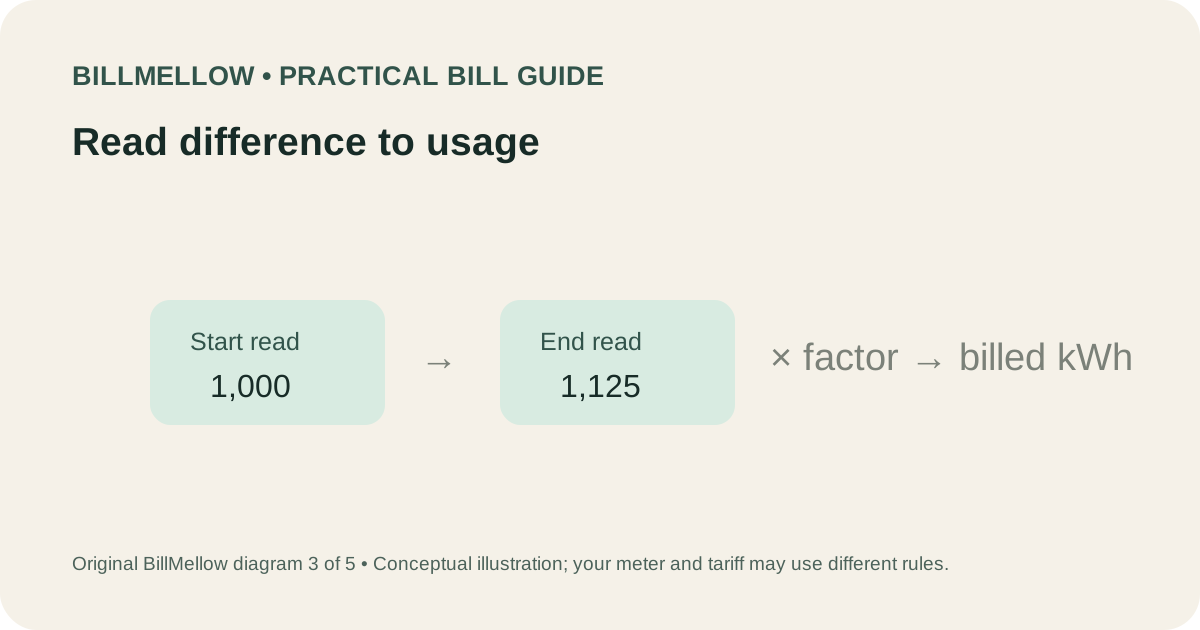
If your bill uses a decimal point, a different register unit, separate time-of-use registers, or a rollover at the display limit, the simple subtraction may not apply as written. Likewise, a meter change during the billing period can involve closing and opening reads, possibly on separate devices. Ask how the utility treated each segment and whether a multiplier applied to both.
It may help to copy the numbers into a private table: meter identifier, read dates, start read, end read, register difference, multiplier, calculated kWh, and any adjustment. Keep the values exactly as printed before performing arithmetic. A transposed digit or missing decimal can make a hand calculation look inconsistent even when the underlying record is correct.
What to check on the bill
- Meter or register ID: Does it correspond to the service and meter shown on the statement?
- Read dates and type: Are both reads actual, or is one estimated? A range can include a prior estimated period.
- Start and end values: Are decimal places and register labels clear?
- Multiplier: Is a factor displayed, and does the utility say which register it applies to?
- Resulting kWh: Does the provider show how it obtained billed consumption?
- Rate and period: Did the price, rate schedule, or number of billed days change?
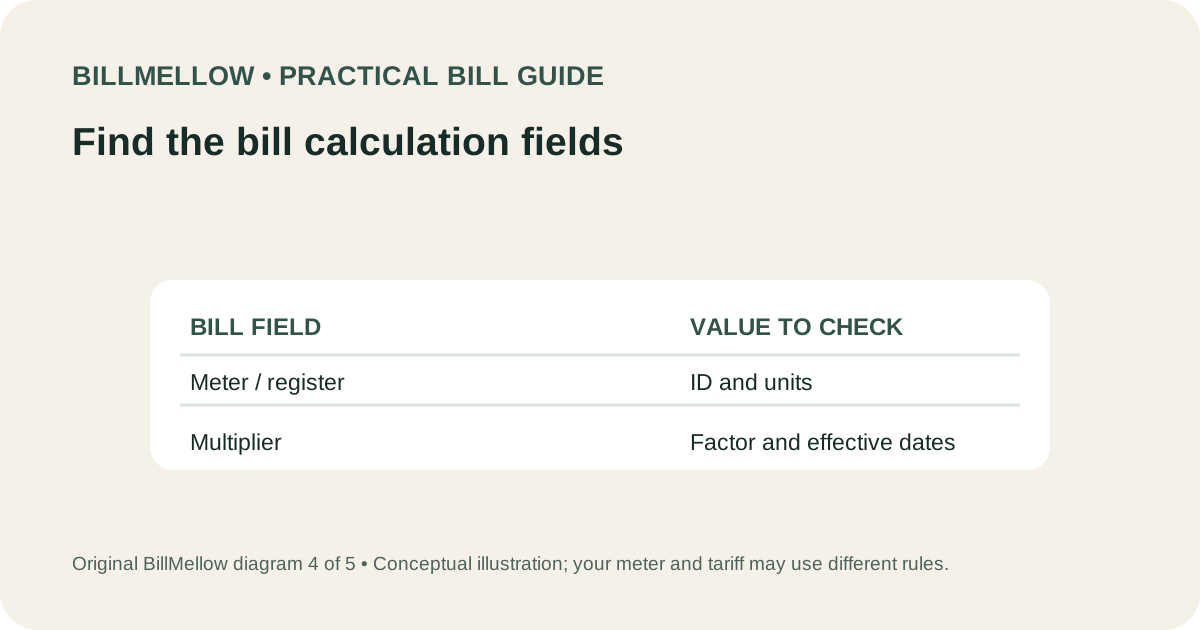
Compare the current and previous bill only after matching the same register and units. A statement may have multiple registers for peak and off-peak use, or one meter might record both electricity supplied and electricity received from onsite generation under a program. Keep each register separate and use the labels shown on the bill.
If a read is estimated, compare it with the next actual read and ask whether a catch-up adjustment was applied. See what to do when a meter read is estimated. If the bill includes a demand quantity in kW, that is distinct from kWh usage; our guide to electric demand charges explains the difference.
Why might a meter multiplier change?
A factor can differ after a meter replacement, service upgrade, meter configuration change, correction of an account record, or other technical work. These are possible reasons to ask about; they are not assumptions about an individual account. If the factor changed, request the effective date, the old and new factor, and the reads that bookend the change. Ask whether the new factor was used only for readings after that date or whether a prior period was also corrected.
Sometimes an invoice displays a factor on one page while detailed readings appear on a second page or in an online usage download. Check every page and any note about a meter exchange or corrected bill. A revised statement may supersede an earlier one, so record which statement number and issue date you are reviewing. If the utility says an error was corrected, ask how the correction appears in the transaction history and whether a credit or rebill is expected.
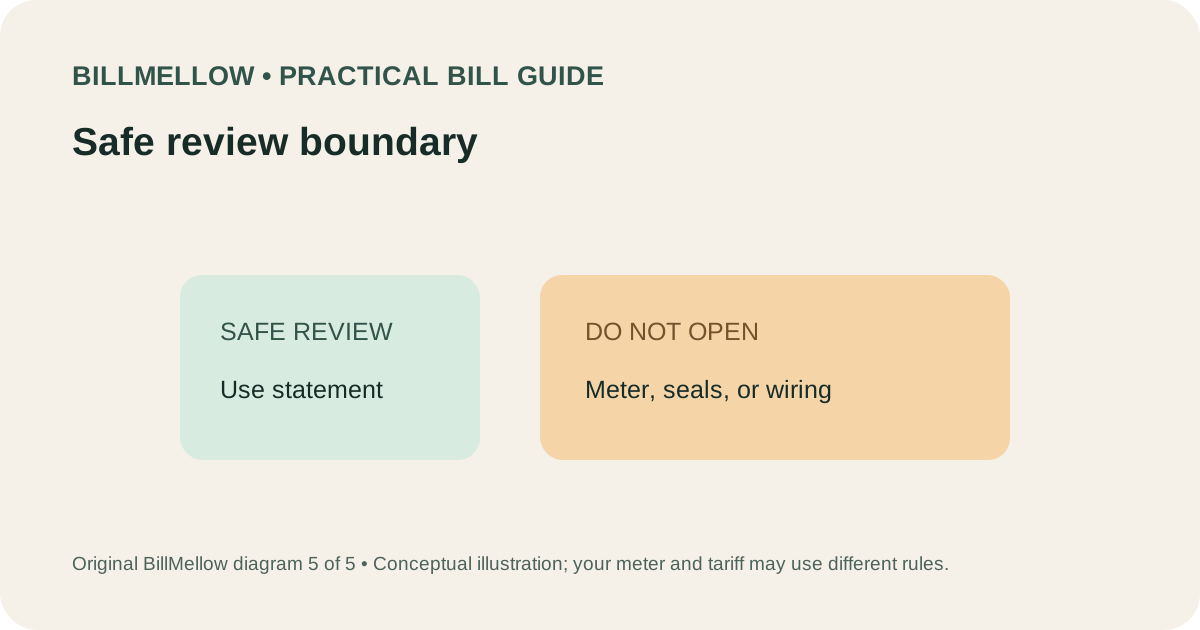
Do not remove seals, open panels, disconnect a meter, or attempt to change a multiplier. Those actions can be dangerous, can damage equipment, and can violate provider rules. Only the utility or qualified personnel it authorizes should service metering equipment. For a possible billing concern, the safe step is to ask for records or request the provider's formal review procedure.
Questions to ask your utility
- What meter or register number is associated with this charge?
- What are the start and end reads, their dates, and their read types?
- Does a multiplier apply, and to which register or period?
- How does the register difference convert into the billed kWh?
- Did the meter, factor, or account configuration change? What was the effective date?
- Was any period estimated or corrected, and could a prior billed period be included?
- Can you provide the calculation and meter history in writing?
Use the phone number or secure account portal on an official bill or the utility's verified website. Do not publish your account number, exact service address, meter serial number, or barcode in a public forum. BillMellow does not access utility meter data, so it cannot validate a factor for a specific service.
Frequently asked questions
Does a multiplier mean the utility charges me eight times more?
It means the utility may multiply a register difference to determine the measured quantity. It does not multiply the price by itself. Confirm the factor, reading difference, and resulting kWh together.
Should my home electric bill show a multiplier?
Some bills do, many do not. Metering setups vary by service and provider. Do not infer a normal factor from someone else's bill.
Can the multiplier be fractional?
A displayed factor may be formatted differently depending on the system. Ask the utility to explain the exact value and units as it applies to your account.
What if my arithmetic does not match?
Check decimal points, register labels, multiple meters, read dates, estimated reads, rollover, and meter changes. Then request the provider's line-by-line calculation rather than assuming which number is wrong.
Sources and limits
The U.S. Department of Energy's guide Understanding Your Utility Bill describes meter multipliers as a feature on some meters. Its examples focus on commercial service; residential equipment and utility statements may differ. Follow the rate schedule and records for your account.
For the basic units, read kW vs. kWh. For a statement-by-statement comparison, use BillMellow's private bill comparison tool; information remains in your browser and does not connect to your utility.