ELECTRICITY GUIDE
Home Office Electricity Cost: Estimate Your Computer Setup
BillMellow Editorial · Published November 9, 2026
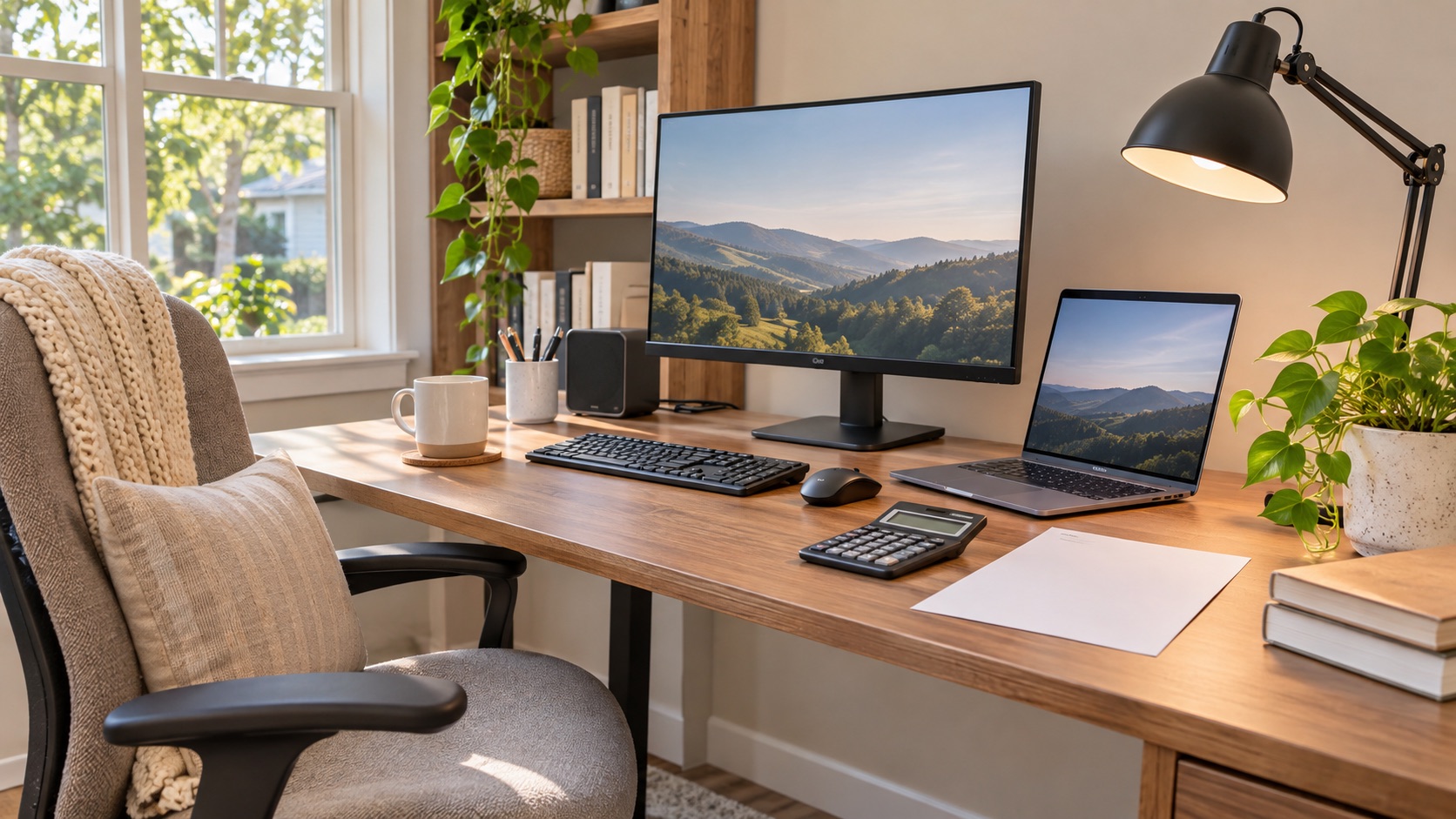
Estimate home office electricity cost from computer, monitor, and network equipment use. Follow a worked kWh example and learn how to measure your setup.
Estimate an appliance's electricity cost
A home office can include a laptop or desktop, one or more monitors, a dock, a printer, and network equipment. The monthly electricity cost is not determined by the room itself; it depends on each device's actual power draw, the time it is active, and the rate charged for additional electricity. A short inventory gives a more useful answer than a generic “home office average.”
Calculate each device separately
For a device with a steady average power draw:
- Daily energy (kWh) = watts × hours per day ÷ 1,000
- Monthly energy (kWh) = daily energy × days used in the billing period
- Estimated variable cost = monthly kWh × applicable marginal rate
Add the device estimates to find a subtotal. Avoid counting a dock or external display twice if a plug-in meter is measuring them together. If the circuit also powers lights, a heater, or another room, a wall-level measurement is not just the computer's use.
Worked example: a laptop setup
The following is a made-up example, not a measurement of typical equipment. Assume a laptop averages 45 W, two monitors average 27 W each, and the setup runs 8.5 hours per workday for 22 days. A router draws 8 W continuously and is allocated to this calculation only for illustration.
- Computer and monitors: (45 + 27 + 27) W × 8.5 h × 22 days ÷ 1,000 = 18.51 kWh
- Router: 8 W × 24 h × 30 days ÷ 1,000 = 5.76 kWh
- Combined example: about 24.27 kWh
- At an illustrative $0.18/kWh: 24.27 × $0.18 = about $4.37 in variable energy charges
That total does not include a monthly customer fee that would be due regardless, and it is not a reimbursement calculation. If the router already serves the whole household, assigning all its usage to work would overstate the office's incremental load. If it runs whether or not you work at home, it is not an added cost caused by that work schedule.
A desktop workstation can draw much more than a laptop, especially when a discrete graphics card, several large displays, or compute-heavy applications are active. Conversely, sleep mode can reduce the time equipment stays at its active draw. Use measured or model-specific values rather than replacing the example numbers with a supposed national average.
Measure your setup
A plug-in electricity monitor that reports cumulative kWh can measure compatible cord-connected equipment. Confirm the device and monitor ratings before connecting them, and follow their instructions. Measuring the entire desk's power strip can be convenient if every connected device is included in the number; note printers or speakers that stay on outside your work hours.
For each reading, write down:
- Which devices were connected, including monitors and docks.
- Whether the computer was active, idle, asleep, or off.
- How many work hours and days the measurement covers.
- Whether the router or shared equipment is included.
A short instant watt reading may miss changing workloads and sleep cycles. A one-week kWh total across representative workdays is often easier to apply: monthly kWh ≈ measured weekly kWh × (days in billing period ÷ days measured). This straight-line scaling is still an estimate if your schedule or workload changes.
Include the right electricity price
An electric bill may show a supply or generation rate, delivery charges, fixed fees, taxes, and credits. To estimate the cost caused by an extra hour of work, use the charges that increase with additional kWh. A flat monthly fee normally does not increase with the office load. If your plan has time-of-use prices or usage tiers, divide usage into the hours or tier that actually apply instead of using one blended rate.
If you want to compare a laptop and desktop, calculate both using the same work schedule and the same rate. The difference in estimated kWh times the applicable variable rate is the estimated operating-cost difference; it does not include purchase price, repair, or productivity differences.
Reduce use while keeping the workflow
The U.S. Department of Energy's Federal Energy Management Program says enabling computer power-saving modes can reduce computer energy use, with results depending on the device and its settings. Check the manufacturer's power settings and set an automatic display-off or sleep interval that fits your work. See DOE's computer efficiency guidance.
Also consider whether all monitors need to stay on during breaks, whether a printer can sleep between jobs, and whether the workstation can power down at the end of the day. Do not disable network or security functions your employer requires. A computer left on for remote access, backups, or updates may have a reason to remain available; calculate its actual idle draw before deciding.
Frequently asked questions
Does working from home raise my electricity bill?
It can add device energy and may also change heating, cooling, lighting, or cooking patterns. This estimate isolates plug loads; it does not prove the whole-home change was caused by work.
Is a laptop always cheaper than a desktop?
A laptop can use less energy in many setups, but workload, external monitors, docks, and sleep settings matter. Compare measured kWh for the same task and time period.
Should I include internet equipment?
Include its energy only if the question is total home-office allocation. If the router would run anyway for the household, separate it from the incremental cost of working at home.
For the kWh conversion and broader appliance estimates, see BillMellow's appliance energy guide and bill-analysis methods.
All electricity guides · Compare plan costs · Methods and limits · Editorial standards