ELECTRICITY GUIDE
How to Compare Two Electric Bills
BillMellow Editorial · Published October 30, 2026
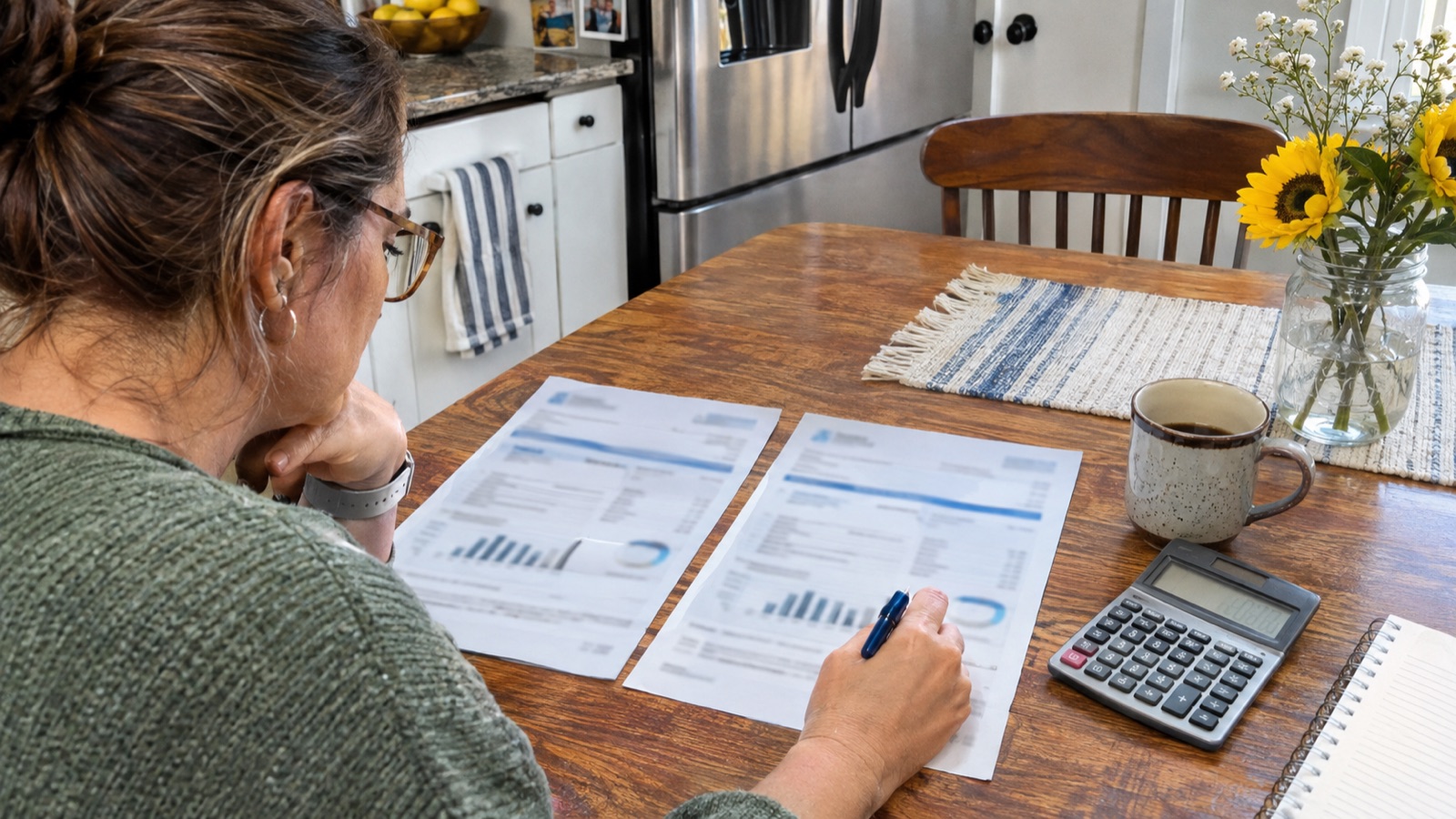
Compare two electric bills using your own numbers. Review kWh, billing days, supply, delivery, fixed charges, taxes and credits, with PDF and manual-entry options.
To compare two electric bills fairly, look at both the total amount and the electricity used per day. A longer billing period can raise the total even when daily usage is unchanged. Review the charges line by line, check that the bill dates match the amounts you enter, and treat the result as a description of what changed—not proof of why it changed.
BillMellow can suggest values from a text-based PDF or let you enter them manually. You review every value before comparing.
Before you start
Have both statements available. For each one, find:
- The service-period start and end dates, or the number of billing days.
- Electricity use in kilowatt-hours (kWh).
- Supply or generation charges.
- Delivery charges that vary with usage.
- Fixed monthly charges.
- Taxes, other charges, and credits.
Use the same account and meter when possible. If the bills cover different service addresses, meters, or rate plans, the comparison may reflect those differences too.
Option 1: Read a text-based PDF in your browser
1. Open the bill comparison tool at compare your electric bills with BillMellow.
2. Choose a bill PDF and label it Current bill or Previous bill. Repeat for the other statement.
3. Review the suggested kWh, billing days, and charge amounts against the statement itself. Correct any value that is missing or assigned to the wrong category.
4. Add the previous and current bills to the comparison form, then select Compare my bills.
The PDF reader works with text-based PDFs. A scanned image PDF is not readable by the extractor, so enter its numbers manually instead. PDF reading happens in your browser: BillMellow does not upload or save the PDF file. The extracted values remain subject to your review; do not assume an automatically suggested amount is correct.
Option 2: Enter the numbers yourself
Use the Previous bill and Current bill fields. Enter kWh, billing days, supply, usage-based delivery, fixed charges, taxes or other charges, and credits. Enter a credit as a positive number in the credit field; the comparison treats it as a reduction. Check the statement's signs and categories before applying an amount.
Leave a category blank or at zero only when the bill truly has no amount for it. Do not enter the total bill again in a component field: the tool builds the total from the amounts you enter.
Adjust for different billing-period lengths
Compare daily use as well as total kWh. Divide billed kWh by billing days:
- Previous statement: 700 kWh ÷ 30 days = 23.3 kWh per day.
- Current statement: 850 kWh ÷ 31 days = 27.4 kWh per day.
In this example, the current period is one day longer, but daily use also increased by about 17.5%. A change in total kWh alone would hide that distinction. These numbers illustrate the calculation; they are not typical usage or a forecast.
You can also divide each bill's total by its billing days to compare average daily spending. This helps describe the bills, but does not isolate a rate change: fixed charges, taxes, credits, time-of-use pricing, and tiered rates can all affect the result.
Read the comparison carefully
BillMellow separates the amounts you entered into categories such as usage, average variable cost, and fixed charges, taxes, or credits. Use that breakdown to decide what to inspect on the original bills. For example, if kWh per day rose, look at weather, heating or cooling, occupancy, and major appliances. If usage stayed similar but the total changed, check variable rates, billing days, fees, adjustments, and credits.
The comparison cannot identify the cause of a change or verify which tariff applied. It relies on the amounts you enter and may not model every tier, time-of-use interval, rider, demand charge, or utility-specific adjustment. A whole-home electric bill also includes uses beyond one appliance. Confirm unusual line items and current rates with your utility.
Do not use average total dollars per kWh as if it were always the price of one additional kWh. Fixed fees and other charges can make an all-in average different from the variable rate that applies to additional use. The U.S. Energy Information Administration explains that its average retail prices include delivered-electricity costs and are not the same as an individual utility rate: U.S. Energy Information Administration.
Keep or clear your entries
Your entries are processed in your browser. They are saved on this device only if you choose Save on this device. Avoid saving private bill details on a shared device, and clear saved entries when you no longer need them. No account is required.
Start a comparison at compare your electric bills with BillMellow. For help identifying supply and delivery charges, see read the electricity supply vs delivery charges guide. Read the tool's methods and privacy details at BillMellow and BillMellow.
Sources and limits
- U.S. Energy Information Administration, residential retail prices and utility rates: U.S. Energy Information Administration
- BillMellow comparison tool: compare your electric bills with BillMellow
- BillMellow methodology: BillMellow
This guide explains how to compare the statement values you provide. The result is not a utility audit, a current offer lookup, a diagnosis of equipment, or a guarantee of savings.
All electricity guides · Compare plan costs · Methods and limits · Editorial standards